See and practise English pronunciation
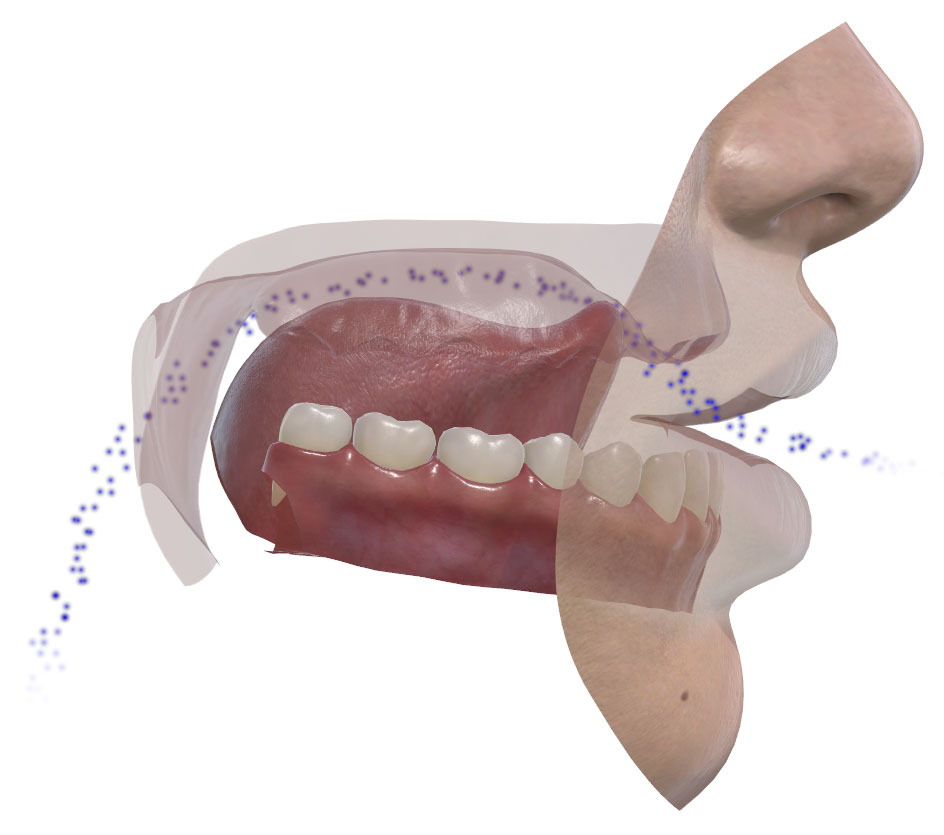
Type any English word or sentence and Pronunciation Coach 3D builds an animated 3D pronunciation model that shows exactly how it's pronounced. Rotate the model to any angle, make the lips transparent to reveal the tongue, and watch the airflow that distinguishes voiced, voiceless, nasal and oral sounds. Then record your own speech, compare it with the model and receive an instant pronunciation score. Used by English learners, teachers and speech professionals worldwide.
Key features
- Models any word or sentence you type — not a fixed set of preset sounds
- Rotate the 3D model to any angle and make the lips transparent to reveal the tongue, teeth and palate
- Watch the airflow that distinguishes voiced, voiceless, nasal and oral sounds
- Study individual sounds from the IPA — click any phonetic symbol to see how it’s formed
- Record and score your own speech, comparing it with the model for instant feedback
- Includes a built-in 40-lesson English pronunciation guide
3D pronunciation models
Pronunciation is shaped largely by the tongue, teeth and palate, yet these structures are difficult to observe during normal speech and account for many of the sounds learners find hardest to master. Pronunciation Coach 3D addresses this with a 3D pronunciation model — a rotatable representation of the vocal tract whose articulators can be made transparent, revealing the positions and movements that produce each sound.
Built on real speech measurement data
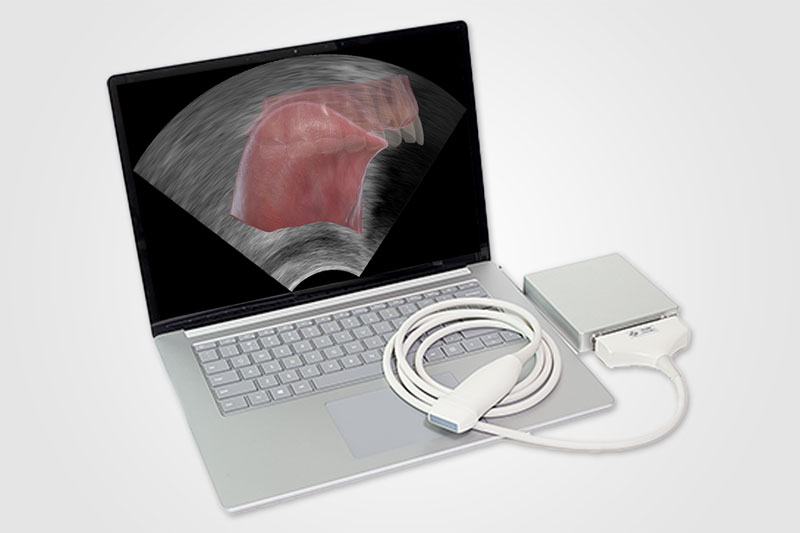
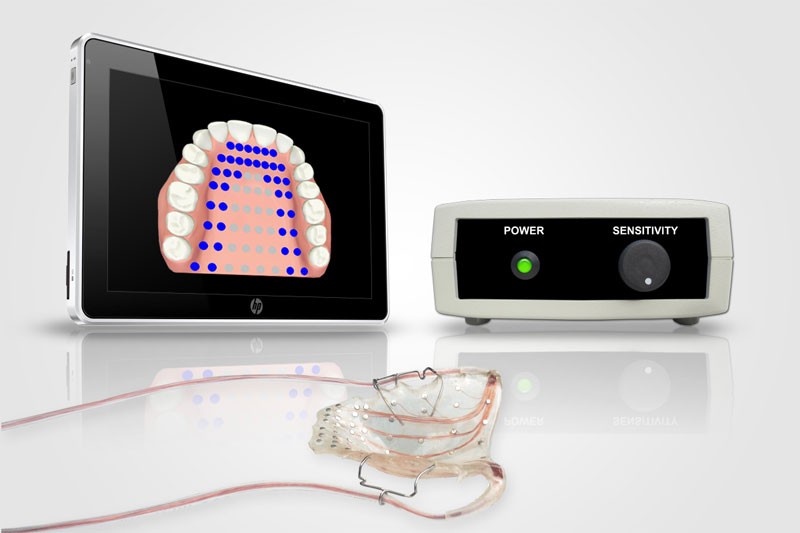
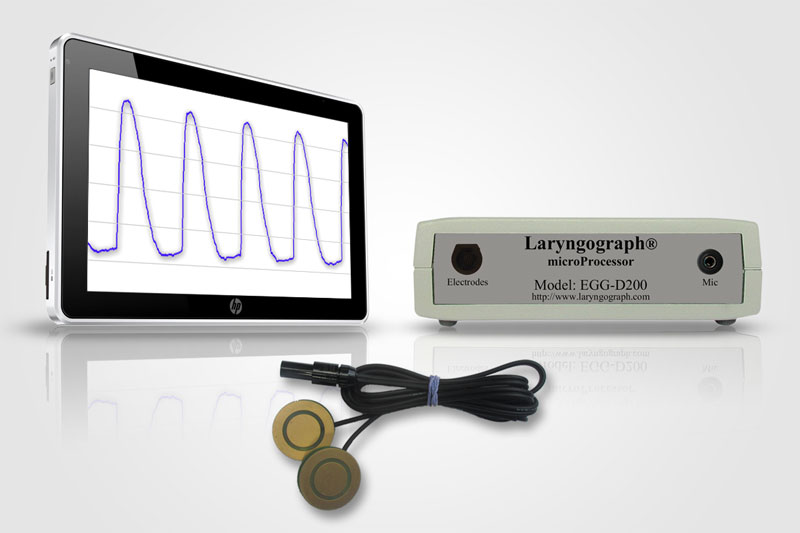
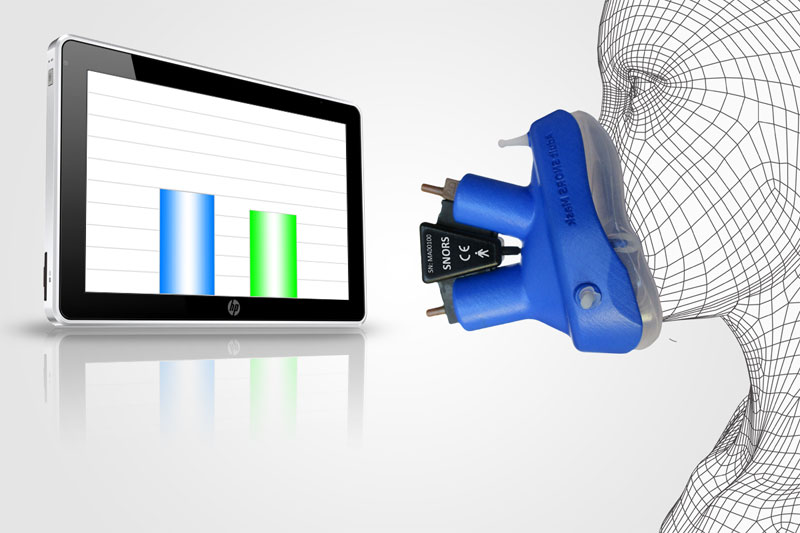
The pronunciation models are not stylised illustrations. They are derived from real speech measurement data, captured using icSpeech instrumentation. Together, these technologies help ensure the pronunciation models reflect how speech is actually produced, drawing on the same measurement techniques used in published speech research.
Creating 3D pronunciation models
A pronunciation model can be created from any word or sentence you type, or by selecting International Phonetic Alphabet (IPA) symbols to explore individual sounds. Alongside the model, a waveform displays timing, pitch and speech intensity, while the media controls allow playback, pausing and step-by-step navigation through the pronunciation, one phoneme at a time. Difficult sounds can then be isolated and replayed as often as needed.
Recording and scoring pronunciation
Pronunciation Coach 3D records your speech and displays it as a waveform alongside the pronunciation model, allowing the two to be compared directly. You can play your recording back, step through the recording in 10-millisecond increments, or move a cursor along the waveform to examine individual speech sounds in detail. Automatic speech recognition provides a speech intelligibility score, while the side-by-side display helps identify where your pronunciation differs from the model.
Speech intelligibility measures how easily speech can be understood and is expressed as a percentage, with scores ranging from 0% (unintelligible) to 100% (excellent).
System requirements
| Supported operating systems | Windows 10 and 11, 64-bit (requires the US English language pack) |
| CPU | x64 architecture |
| Memory | Minimum 4 GB of RAM |
| Storage | 126 MB of free hard disk space |
| Microphone | A USB headset microphone is recommended |
Buy online
On order completion, you will immediately receive:
- A secure download link to the latest product version.
- A product registration key.
- Priority technical support.
- Free product updates.
- A 30-day money-back guarantee.
One-time purchase, no subscription — price shown in your local currency at checkout.
Frequently asked questions
Pronunciation Coach 3D is Windows software that shows how to pronounce English words and sentences using an animated 3D model of the mouth. Type in text or select International Phonetic Alphabet (IPA) symbols, and the model demonstrates how each sound is formed, including the lips, tongue and airflow. You can rotate the model, make the lips transparent to reveal the tongue, record your own speech and receive a score showing how clearly it was understood.
Pronunciation Coach 3D helps by making the hidden parts of speech visible. Most pronunciation practice relies on listening and repeating, but many sounds are shaped by the tongue, teeth and palate, which cannot be seen from the outside. The animated 3D model shows exactly how each sound is produced, while the record-and-score feature lets you compare your own pronunciation with the model. This makes it easier to identify, practise and improve the sounds you find most difficult.
Seeing how a sound is pronounced means observing the position and movement of the lips, tongue and other articulators that shape it, rather than simply hearing the result. Because much of this activity takes place inside the mouth, it is difficult to observe by watching a speaker alone. Pronunciation Coach 3D makes it visible using an animated 3D model that can be rotated to any angle, with transparent lips revealing the tongue, teeth and palate. Airflow is also displayed, helping to show the differences between nasal and oral sounds, and between voiced and voiceless sounds.
Yes. The pronunciation models are not stylised illustrations — they are based on real measurement data from speech instrumentation. The position and movement of the tongue, the points of contact with the palate, the airflow and the voicing behind each sound are all derived from established measurement techniques, including ultrasound tongue imaging, electropalatography, anemometry and electroglottography. This helps ensure the models reflect how speech is actually produced.
Yes. A free trial of Pronunciation Coach 3D can be downloaded from this page by clicking the Download free trial button. It allows you to evaluate the software before purchasing, and no payment details are required.
No. Pronunciation Coach 3D is designed for Windows 10 and 11 and is not available for Mac. It can be installed on a desktop, laptop or tablet running a supported version of Windows.
A microphone is only required for the recording and scoring features. You can type words or sentences and watch the 3D pronunciation model without one. To record your own speech and receive an intelligibility score, a USB headset microphone is recommended for the most reliable results. Built-in laptop microphones can also be used, but they tend to pick up more background noise, which may reduce the accuracy of the intelligibility score.
The 3D pronunciation model is based on US English pronunciation. The recording and scoring feature supports both US and UK English, allowing you to record your speech and receive an intelligibility score in either accent. Other languages and accents are not supported.
Pronunciation Coach 3D is a one-time purchase, not a subscription. There is a single payment and the licence is perpetual, with all software updates — including major version releases — free for the lifetime of your licence. This differs from many pronunciation apps, which charge a recurring monthly or annual fee.
Pronunciation Coach 3D is available under two licence types. The home user licence is for personal use only and is not for use in commercial, educational or research settings; materials created with it may not be distributed for commercial or educational purposes. The commercial/educational licence is for use in professional, educational and research settings — including universities, schools, clinics and research institutions — and permits materials created with the software to be distributed for educational and professional purposes. To purchase a commercial/educational licence, please use the "Quote commercial license" option.
Yes. Volume discounts are available for multi-user and institutional licences of Pronunciation Coach 3D. icSpeech products are used by universities, schools and research institutions in over 70 countries, and formal quotations can be provided for institutional procurement processes and grant applications. Use the "Quote commercial licence" button and let us know your institution type and the number of users required.
Pronunciation Coach 3D is licensed per computer. A single licence permits installation on one computer only. Multi-user licences are available on request — use the Quote commercial licence button to discuss your requirements.
Simply contact us quoting your order number or licence key, and we will reset your licence so Pronunciation Coach 3D can be reinstalled and activated on your new or rebuilt computer.